Beratung für Projektmanagement und Digitalisierung
SOLVIN ist eine Unternehmensberatung für Projektmanagement und Portfoliomanagement. Wir beraten Sie beim Aufbau und der Optimierung Ihrer Organisation und Ihrer Prozesse und machen die Ergebnisse mit Microsoft Standard-Software anwendbar.
Entdecken Sie die Chancen und Potenziale der künstlichen Intelligenz für Ihre Projektorganisation im SOLVIN KI-Assessment Workshop!



Bitte akzeptieren Sie YouTube Cookies um dieses Video zu sehen. Sobald Sie die Bedingungen akzeptieren, erhalten Sie Zugriff auf die Inhalte. Ebenso werden Google Fonts von einer externen Quelle geladen.
Wenn Sie die Datenschutzerklärung akzeptieren, wird Ihre Auswahl gespeichert und die Seite neu geladen.
Unverbindliche Erstberatung
Wir beraten Sie branchenübergreifend in allen Facetten des Projektmanagements. Vom strategischen Aufbau Ihrer Projektmanagementorganisation über Ressourcenmanagement und Zeiterfassung bis hin zur Einführung geeigneter PM-Software.
Prüfen Sie Chancen und Potenziale für Ihr Projektmanagement und Portfoliomanagement mit Microsoft PPM und buchen Sie Ihre persönliche Erstberatung. Erreichen Sie mit SOLVIN die individuellen Ziele für Ihr Unternehmen und schöpfen Sie Ihre Ressourcen voll aus.
Projektmanagement Beratung von Profis
Wir machen Projektmanagement anwendbar: SOLVIN ist Ihre Unternehmensberatung mit dem Fokus auf Prozessberatung, Projektmanagement Beratung und Projektportfoliomanagement.
SOLVIN setzt dabei auf ein breites Portfolio aus der fachlichen Beratung im Projektmanagement, auf technische Expertise für Microsoft Projektmanagement-Werkzeuge und bietet hierfür umfassende Kompetenzen mit eigenen Teams für die Software-Entwicklung, Business Intelligence und Support sowie den Aufbau und das Staffing von Project Management Offices (PMO) an.


Unser Service: Wir leben Projektmanagement
Wir bieten Ihrem Unternehmen hochqualifizierte persönliche Unterstützung bei der Umsetzung von Veränderungsprozessen im Projekt- und Projektportfoliomanagement. Egal, ob Sie personelle Verstärkung in Ihrem PMO benötigen oder technischen Support zu Ihrer PPM-Softwarelösung. Sie können sich auf unseren Service verlassen. Wir helfen Ihnen dabei, Ihre Ziele zu erreichen.
Wir implementieren die für Ihre Struktur passende PM-Software basierend auf Microsoft Technologien. Mit Schnittstellen und Add-Ons für Zeiterfassung, Reporting und Prozesse setzen wir Ihre individuellen Anforderungen um.
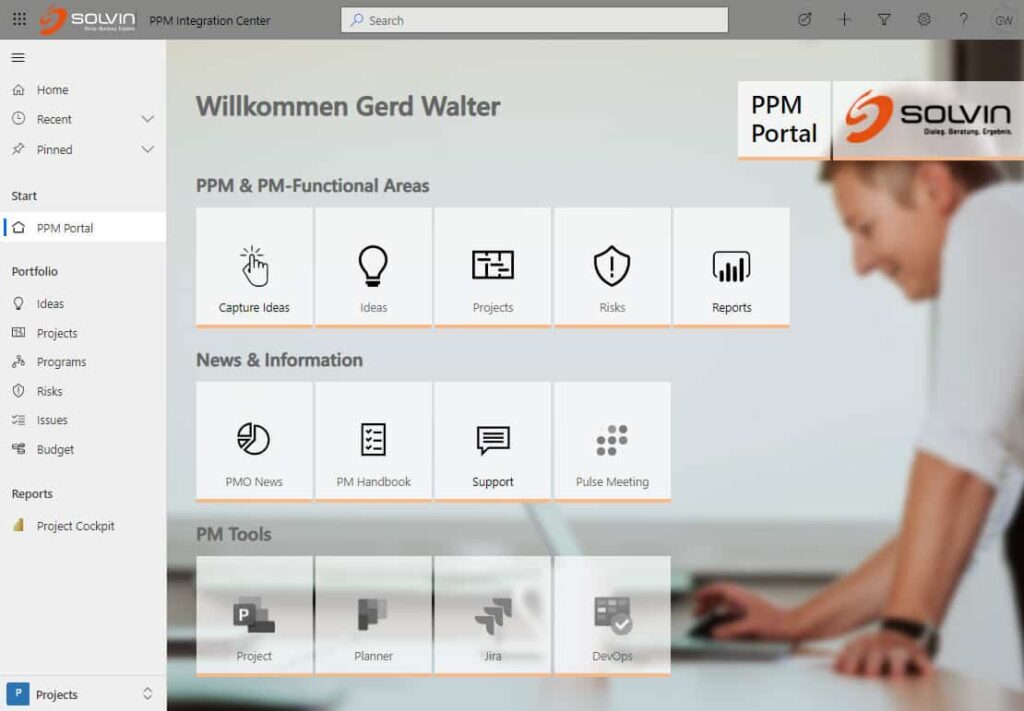
PPM Integration Center
Setzen Sie jetzt auf cloudbasiertes Projekt- und Portfoliomanagement mit dem SOLVIN PPM Integration Center in der Microsoft Cloud und entdecken Sie die Zukunft von innovativem Projektmanagement. Ob klassisch oder agil, mit dem PPM Integration Center von SOLVIN realisieren Sie Ihre Projekte effizient und zuverlässig.
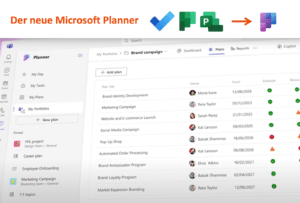
Unser PPM Integration Center basiert auf der Microsoft Power Plattform und ist in Microsoft 365 integriert. Für Ihr Projektmanagement können Sie Ihre favorisierten Tools, wie den Microsoft Planner oder Microsoft Project, Azure Devops, Project for the web oder Tools anderer Hersteller wie z.B. Jira, Monday, Asana und andere weiterhin in Ihrem Projektalltag nutzen.
Alle Daten Ihres Projektportfolios werden in Microsoft Dataverse gespeichert, um so jederzeit für übergreifende Auswertungen bereit zu stehen, egal ob in Power BI oder in dem Monitoring-Tool Ihrer Wahl.
Wir digitalisieren Ihre Geschäftsprozesse
Mit der erfolgreichen Kombination von Microsoft Power Platform, Microsoft 365 und Microsoft PPM dezentral und trotzdem vernetzt arbeiten.
Revolutionieren Sie Ihr Projektportfolio
Steuern und überwachen Sie Ihre Projekt- und Portfolioprozesse digital mit einer integrativen und cloudbasierten Basislösung. Lernen Sie den SOLVIN PPM Integration Center kennen.
Whitepaper zu
Microsoft PPM
Die Power Platform, Microsoft PPM und Office 365 sind die perfekte Grundlage für ein integratives
Projektportfoliomanagement.
Unser Whitepaper gibt einen Überblick.
Das sagen unsere Kunden
Projektmanagement-Webinare
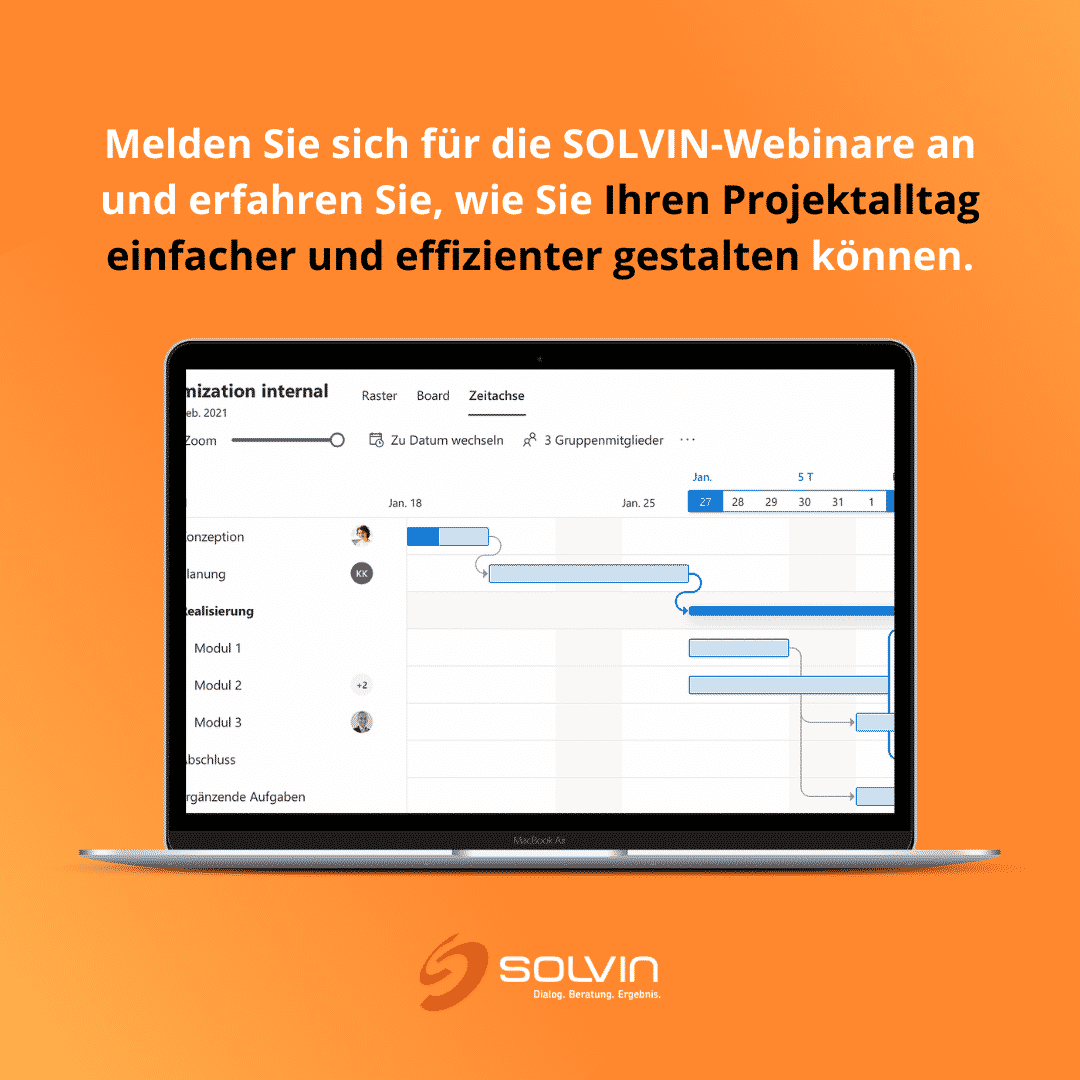
Live-Webinare: Aktuelles aus der Welt des Projektmanagements
In regelmäßigen Abständen informieren wir in unseren Webinaren zu den vielseitigenThemen im Projektmanagement und Portfoliomanagement. Profitieren Sie von praxisnahen Anwendungsbeispielen, ausgewählten Referenzen sowie ausführlichen Informationen zu aktuellen Themen. Bringen Sie gerne Ihre Fragen mit - wir gehen sie mit Ihnen gemeinsam und interaktiv an.
Modernste Technik und Know-how für Ihr Projektmanagement mit SOLVIN
SOLVIN ist seit über 20 Jahren aktiver qualifizierter Microsoft Partner. Diese Partnerschaft steht für hohes Know-how in technischen und funktionalen Themen, welche wir kompetent in unsere Kundenprojekte einbringen. Entsprechend verfügen unserer Mitarbeiter im Consulting, Development, im BI-Bereich und auch im Support stets über die aktuellsten Microsoft-Zertifizierungen. Auf dieser Basis berät SOLVIN auch als Partner von Microsoft gemeinsam in Microsoft-Kundenprojekten.
PROJEKTMANAGEMENT | FRAGEN & ANTWORTEN
Projektmanagement ist die Kunst, Projekte zu planen, zu überwachen und erfolgreich abzuschließen. Es umfasst die Koordination und Kontrolle von Ressourcen, Zeit, Kosten und Qualität. Projektmanagement ist ein wichtiges Instrument, um sicherzustellen, dass Projekte rechtzeitig, innerhalb des Budgets und mit der erforderlichen Qualität abgeschlossen werden.
Projektportfoliomanagement ist die Planung, Steuerung und Überwachung von Projekten, die innerhalb eines Portfolios durchgeführt werden. Es umfasst die Festlegung der Ziele und Strategien für ein Portfolio, die Bewertung und Auswahl von Projekten sowie die Überwachung und Kontrolle der Projekte im Laufe ihrer Durchführung. Das Ziel des Projektportfoliomanagements ist es, Risiken zu minimieren, den Mehrwert für das Unternehmen zu maximieren und sicherzustellen, dass alle Projekte im Portfolio erfolgreich abgeschlossen werden.
Projektmanagement ist für Unternehmen so wichtig, weil es ihnen hilft, effektiv und effizient zu arbeiten. Es gibt ihnen eine strukturierte Methode, um Ziele zu erreichen und Aufgaben zu erledigen. Außerdem können sie mit Projektmanagement ihre Ressourcen besser einsetzen und so Kosten sparen. Projektmanagement ist daher nicht nur wichtig für die Unternehmen selbst, sondern auch für ihre Kunden und Partner. Denn wenn ein Unternehmen seine Projekte gut verwaltet, kann es seinen Kunden bessere Ergebnisse liefern und so sein Vertrauen gewinnen.
Projektmanagement ist eine Methode, um die Arbeit an einem Projekt effektiv und effizient zu planen, durchzuführen und zu kontrollieren. Es hilft Ihnen, Ihr Projekt im Griff zu behalten und sicherzustellen, dass alle Beteiligten wissen, was sie tun müssen. Projektmanagement bietet viele Vorteile. Zum einen hilft es dabei, die Kosten für Ihr Projekt im Auge zu behalten. Sie wissen genau, wie viel Geld Sie für jeden Aspekt ausgeben müssen und können so eventuelle Überraschungskosten vermeiden.
Zum anderen hilft es Ihnen, Termine einzuhalten. Ein gutes Projektmanagement hilft Ihnen dabei, realistische Zeitpläne zu erstellen und sicherzustellen, dass alle Beteiligten ihre Arbeit pünktlich erledigen. Dadurch wird verhindert, dass das Projekt ins Stocken gerät oder gar scheitert. Und last but not least hilft Projektmanagement dabei, Risiken zu minimieren. Durch die gründliche Planung eines Projekts können mögliche Risiken identifiziert und beseitigt werden. Dadurch wird das Risiko verringert, dass etwas schief geht oder unvorhergesehene Kosten entstehen.
Ein effektives Projektmanagement umfasst die Planung, Durchführung und Kontrolle von Projekten, um die Ziele des Unternehmens zu erreichen. Es ist wichtig, dass alle Beteiligten an einem Projekt wissen, wer für was verantwortlich ist, und dass alle Schritte des Projekts genau geplant sind. Ein effizientes Projektmanagement erfordert sowohl technische als auch soziale Kompetenzen. Die Techniken der Projektplanung und -steuerung müssen beherrscht werden, aber auch das Zusammenspiel verschiedener Persönlichkeiten und Fähigkeiten muss berücksichtigt werden. Ein gutes Projektmanagement ist daher nur mit einem motivierten und gut aufgestellten Team möglich.